After your purchase please make sure to follow this Pre Requirements Video, otherwise cheats wont work. You can download the MadChad support tool as seen on the Video HERE.
Pre Requirements Video:
Guide to Using Activation and Running Software
Now that everything is ready, download the loader using the link you received along with this manual and your key.
Before launching the loader, make sure all games are closed. It is strictly not recommended to run the loader while games are open!
Run the previously downloaded loader as administrator.
On the first launch, you will need to activate your key. Paste your key into the "Key" field and click "Continue".
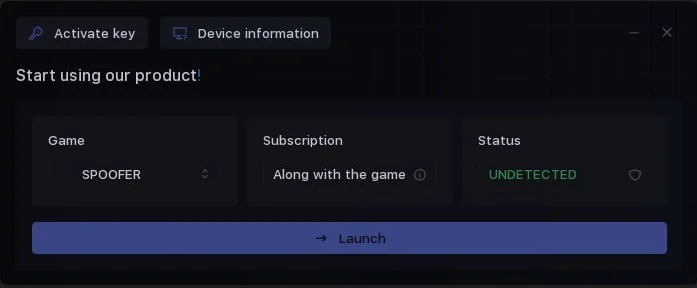
5.After a short load, authorization in the loader will occur, and you will see the main tab. Here you can select the software to run, check subscription expiration date and status.
6.Now in the "Game" section, select the game you want to launch and click "Launch".
7.The cheat launch process will begin, wait for the message "Wait for the game process".
8.After the message appears, you need to start your game.
9.Injection will occur automatically, and the cheat menu will appear in the main menu of the game.
Congratulations, you have successfully launched the cheat!
There is no menu, all functionality works automatically after launch.
Some other loader features:
When activating access to any software, you will also get access to our HWID spoofer. You can use it if necessary.
In the "Device Information" tab, system information is displayed. You can use it as a checker to verify if the spoofer worked correctly.
If you already have an active product and want to activate another one, use the "Activate Key" button.
If you encounter problems when launching/using our products, go to the "Device Information" tab and take a screenshot. Attach this screenshot when contacting technical support — it will speed up resolving your issue.
Launching the Spoofer
Instructions for using the spoofer and launching cheats with it:
First, keep this in mind:
If you want to use the spoofer with our software, you must launch it first.
If you want to use our spoofer with other software (from another loader), you must launch the spoofer after the cheat but before launching the game.
To run the spoofer, open the loader as administrator and select "Spoofer" in the "Game" window, then click "Launch".
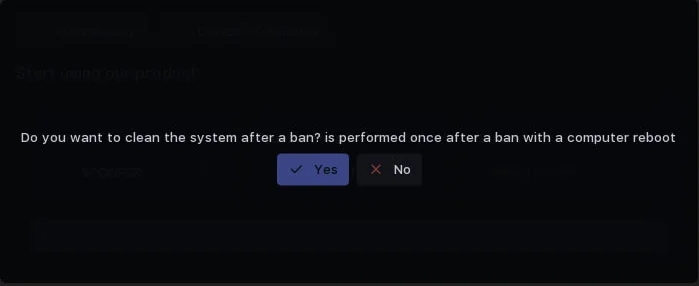
The spoofer will first ask if you want to completely clear traces of previous bans. Click "Yes" if you haven’t cleaned traces after your last ban. If you just want to spoof, click "No".
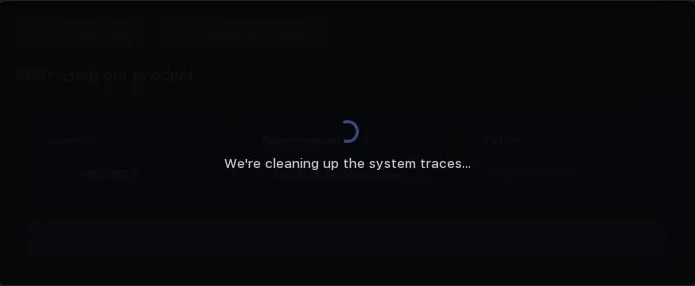
Full ban trace cleanup takes some time. After that, your PC will restart, and you’ll need to continue the spoofing process from the next step.
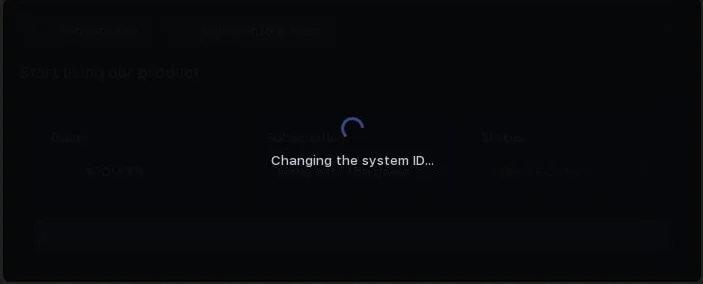
After clicking "No", the process of spoofing your PC data begins. This also takes some time.
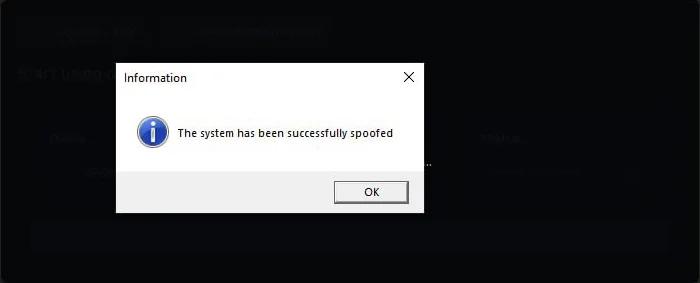
At the end of spoofing, you’ll get a notification about successful spoofing. The loader will fully close. Then follow these steps:
If you launch the spoofer, you will need to reopen the loader and simply launch the cheat as instructed.
Enjoy your game!
To verify the spoofer’s operation, you can take a screenshot of the "Device Information" tab before and after successful spoofing. Use full cleanup only after getting banned; there is no need to do it every time.