After your purchase please make sure to follow this Pre Requirements Video, otherwise cheats wont work. You can download the MadChad support tool as seen on the Video HERE.
Pre Requirements Video:
Injection Video:
Detailed instructions on how to launch the product:
If you have a game or game launcher open, you must close them before launching the product
Download and run the loader, usually it has an extension.com or .exe and run it as an administrator
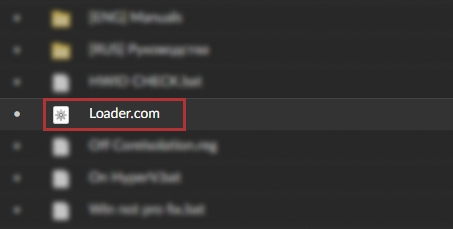
This image is an example, and may vary!
If you encounter an error after trying to open the bootloader or the solution can be found at the bottom of the page!
After starting the loader, enter your key in the console and press "enter"
After you have pressed enter, you should see the green inscription "now start the game", after closing the console, log in to the game.
After starting the game, you should have a product menu within a minute!
It is necessary to disable «Autoclear RAM» in the game settings
Hotkeys
Insert (INS) - The bind is responsible for opening and closing the menu, it can be changed to any convenient one. End - The bind is responsible for unloading the product, for example, for passing an inspection. The menu can only be returned by restarting!
-Possible Problems and Solutions
Crashing a lot ?
Disable Nvidia Smooth Motion on Nvidia app !
The product menu or its visual part does not appear, or involuntarily disappears at a random moment ?
It is necessary to disable «Autoclear RAM» in the game
It is necessary in the main menu of the game to go to -> settings -> game -> find the item «Autoclean RAM» disable it, save changes.
After these steps, re-run the product
Follow these tips to keep your account safe:
Moderate Your Stats: Balance your headshot %, PMC/Scav kills, and K/D ratio.,
Limit PMC Kills: No more than 10 PMC kills per hour. High velocity of reports => Very fast ban,
Minimize Reports: Avoid gameplay that could lead to being reported.,
Play Time Matters: Accounts with higher play hours are less likely to be banned.,
EOD/Unheard Accounts: EOD /Unheard Edition accounts generally have a lower chance to get reported.,
Usage of Risky Functions: Risky functions which may trigger tripwires on EFT's server-side may cause you to be flagged for a ban, so If you can avoid using them, better.
Support 🛠️
For any questions or assistance, please reach out to the support team in the provided Discord server.